Built for a client · Church care ministry
A church’s care team can see every request, who has it, and what happens next.
Calvary Chapel Oceanside asked Ebenstone for a way to run its care ministry. Ebenstone built CCO Care, a web app that works with the church’s Planning Center account. The pastor who leads care was using it 18 days after the first conversation.
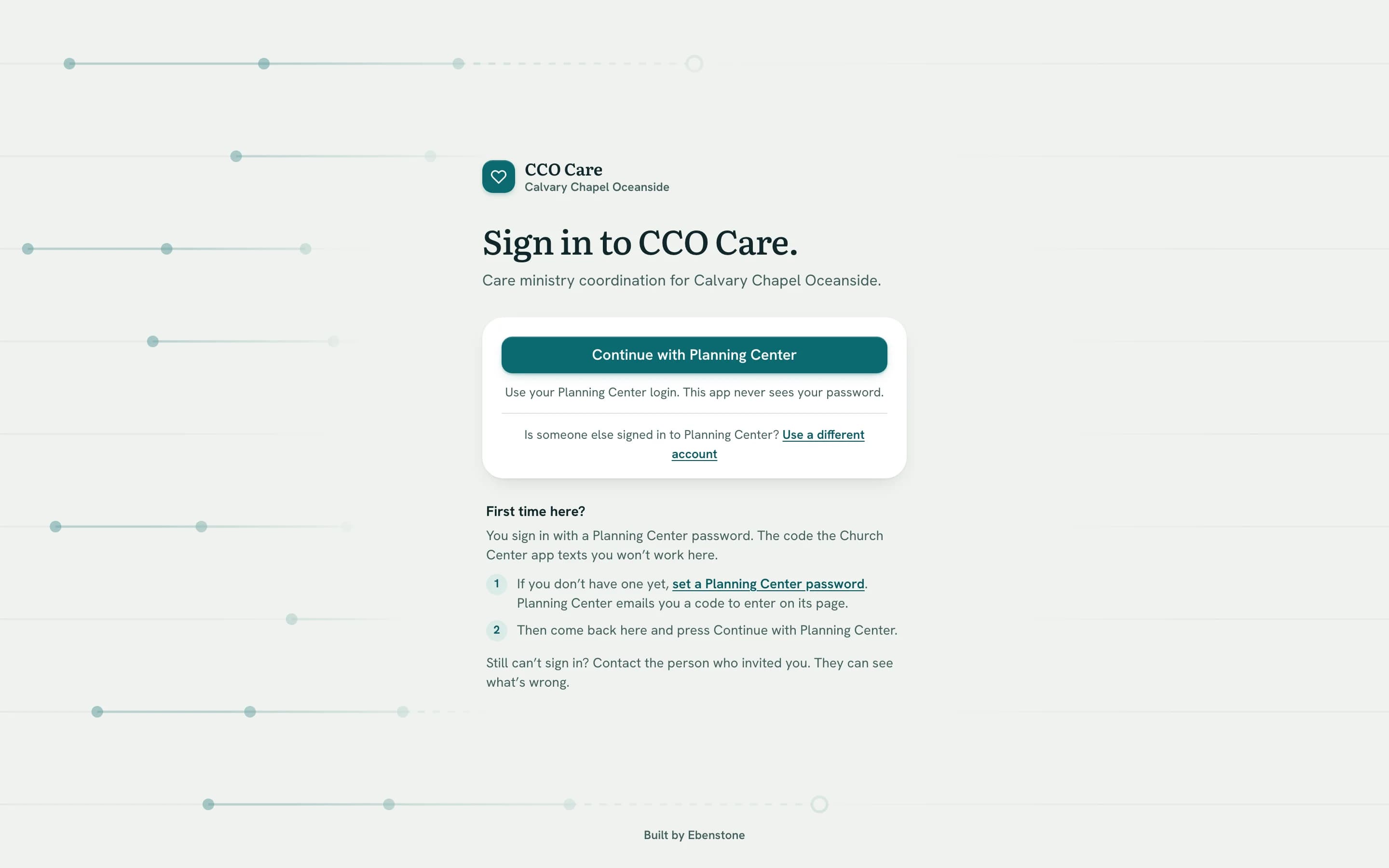
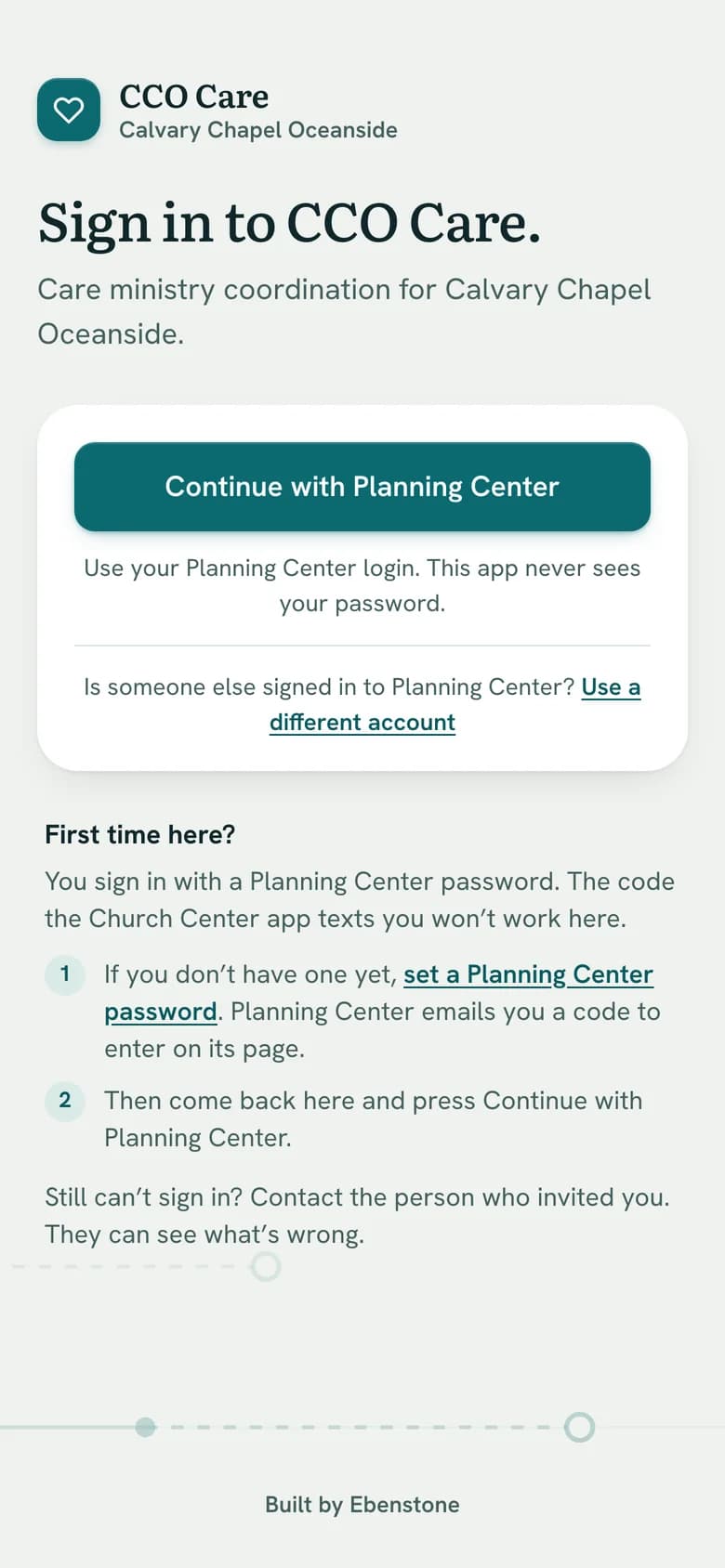
CCO Care’s sign-in page, the one screen anyone can see without a church login. Inside, below, is recreated with invented people.
Visit ccocare.ebenstone.dev- Client
- Calvary Chapel Oceanside, California
- What Ebenstone built
- CCO Care, a web app for phone and laptop
- Works with
- Planning Center, email, and the calendar on each person’s phone
- Timeline
- First conversation 10 September 2026. In use 28 September 2026.
The problem
Care requests reach a church in many ways, and the follow-up is the part that gets lost.
This is the problem CCO Care was built for. It is common to care ministries, and it is described here in general terms.
- 1Requests arrive by phone, text, email and conversation.Without one list, nobody can see all of them.
- 2It is easy to assume someone else responded.Unless each request has a named owner, there is no way to check.
- 3The first visit usually happens. The follow-up is harder.After a hospital visit, someone has to remember the next one, and the one after that.
- 4Volunteers need to know three things.Who to visit, when, and what to write down afterwards.
Why Ebenstone was asked
Why the church asked Ebenstone to build it
The church wanted one way to run hospital visits, home visits and the follow-up after them, with a team of volunteers doing the visiting.
Apps for keeping pastoral notes already exist. For this work they weren’t enough, for three reasons.
Notes record what happened. Care needs a next step.
A note says what was done. A care team also needs to know who is going next, on what date, and whether they went.
Notes belong where the staff already work.
The church’s staff work in Planning Center. Notes kept in a second system are notes most of them never see. CCO Care is built to file each note on the person’s Planning Center profile as well.
Volunteers shouldn’t need the whole member database.
A volunteer should see the person they were asked to visit, and nobody else. CCO Care shows them that, without giving them access to the church’s member records.
How each problem was solved
How CCO Care solves each one
1The problem
Requests arrive by phone, text, email and conversation.
What Ebenstone built
Every request goes into one list.
The church calls each request a need. A leader looks the person up in Planning Center and records what’s needed, how urgent it is, and who to contact. Often that is a family member, not the person in the hospital bed.
Who is it for?
Who should the team contact?
How soon does someone need to respond?
Which area?
Each area’s lead is emailed right away.
Thursday, October 8
Harold Whitcombe · No one assigned
Someone should be assigned by Sat, Oct 10, 9:15 AM.
Marisol Reyes · Report due
Visit on Tue, Oct 6 · Ruth Adeyemi. No one has reported whether it happened.
2The problem
It is easy to assume someone else responded.
What Ebenstone built
Every need has a named owner.
The need goes to an area, such as hospital visits or home visits. The leader assigns a visit or a call to a volunteer, who gets an email straight away. A need with no one assigned sits at the top of the leader’s Today screen.
3The problem
The first visit usually happens. The follow-up is harder.
What Ebenstone built
Every need carries a follow-up date.
The need moves from Needs attention to Follow-up, with a date. If that date passes with nothing planned, the need goes to the top of the leader’s Today screen with one button: set a follow-up date.
Harold Whitcombe · Follow-up overdue
It was due Tue, Oct 20.
4The problem
Volunteers need to know three things.
What Ebenstone built
The visit is on their phone, and the report asks three things.
Each volunteer connects their phone’s calendar once. Every visit they’re assigned shows up there, and the entry never names the person. Afterwards the volunteer says whether it happened, what they did, and what the team should know.
Each picture recreates CCO Care’s screens, with invented people. Ebenstone never shows a church’s real care records.
Decisions
Four decisions that came from how this church works.
No new passwords
Everyone signs in with the Planning Center account they already have. There is nothing new to remember and nothing for the church office to reset.
Volunteers see only their own assignments
A volunteer sees the needs they’ve been assigned, and the contact details for those needs. They never get access to the church’s member database.
Confidential notes stay confidential
A note can be marked confidential. It is then shown only to the people allowed to read it on that need.
The words on the screen are the ministry’s own
Need, assign, report, follow-up. Every screen and email was reworded to match how the care team talks.
How it went
Eighteen days from the first conversation to the pastor using it.
- First conversation
Church staff described what the care ministry needed.
- Listening, then a written design
Meetings with the people who lead and sponsor the care ministry. The design was written down and agreed before the build started.
- The whole process worked
A need was logged, a visit assigned and scheduled, and the need closed, on the live system connected to Planning Center.
- The pastor and a colleague started using it
Both were signed in and logging needs within minutes. They agreed to test it for two weeks with real needs. The same day, the app was given a full security review, because it now held real care records.
- What they asked for was built
A first-day setup step for each volunteer, a month view on the calendar, a Text button beside Call and Email, and a read-only role so the wider pastoral team can follow along.
Where it stands
In pilot since 28 September 2026, with the care pastor and his team logging real needs.
Every need now has a named owner, a status, and a date for the next step. The volunteer team is next.
- Its own database
- The church’s records are not stored alongside any other client’s. They are backed up every day.
- Ownership of its data
- The church owns everything its people put into the app. Ebenstone owns the software and licenses it to the church.
- Privacy from Ebenstone too
- The tools Ebenstone uses to look after the app show counts, such as how many people signed in this week, and never what was written.
- Reports without names
- When care is complete, the leader closes the need and records how it ended. Reports show church leadership counts only: how quickly needs were assigned, how many visits were reported on, and how needs ended.
- One person to call
- The person who sat in the first meeting designed the app, built it, and answers when something needs to change.
Does your church have work like this?
Tell me what you’re trying to keep track of, and what you’re using now.
or write to [email protected]